RFID inventory management in IndonesiaUHF RFID stock counts for your operation.Read many tags in seconds.
Katalyst handhelds read many tagged items without scanning labels one by one. Our app helps teams review stock variances by area; tags, readers, and integration workflows are scoped to your operation.
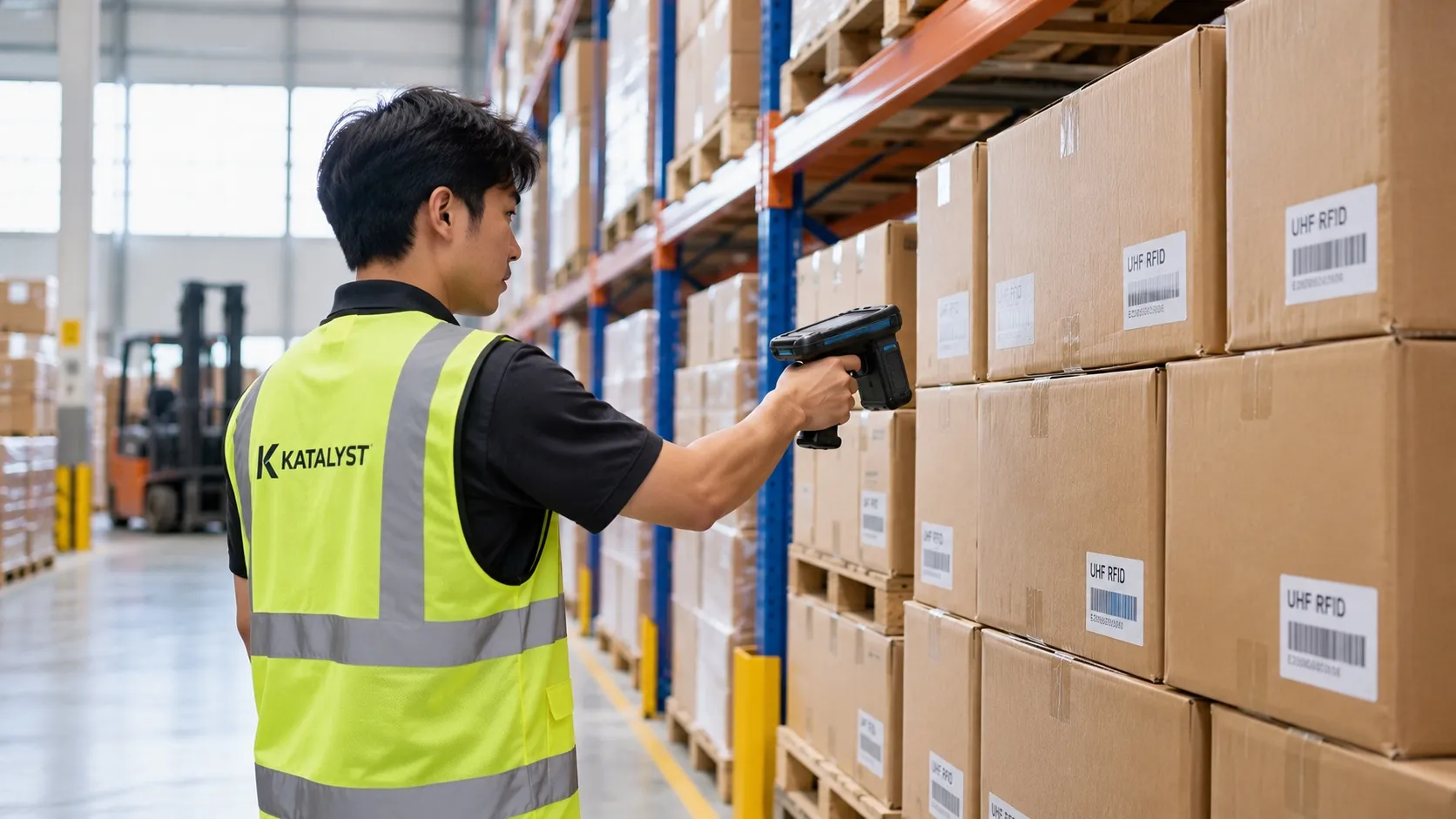
What is UHF RFID?
UHF RFID uses tags with IDs linked to item records. A reader can capture several tags by radio without seeing every label. Results depend on the tag, item, reader position, and site conditions.
For repeated work across many items, RFID can reduce one by one label scanning. Compare count time and discrepancy review with your current process in a pilot to see the value on your site.
- Multiple tags
- read in one process
- No direct aim
- at each label
- Unit ID
- when tags are encoded and mapped
Barcode vs UHF RFID
| Barcode | UHF RFID | |
|---|---|---|
| Line of sight | Needed for every label | Not needed |
| Items per scan | Usually one label per action | Several tags in a read zone |
| Read distance | Depends on label and scanner | Depends on tag, reader, and site |
| Item identity | Can use a serial number per item | Can use a unique EPC per item |
| Gate tracking | Can use a fixed scanner | Can use a fixed reader after zone testing |
Reduce manual counting. Make stock decisions clearer.
Count multiple tags in one process
Use a handheld in a defined area, compare reads with reference stock, and review missed items.
Narrow down item searches
Search for a tagged item's ID with a handheld and check the area with the strongest signal to locate it.
Record movement at read points
Readers at doors or docks can record passing tags; system rules help filter reads before stock is updated.
Review gaps before correction
Compare reads with stock records by area so the team can investigate missing or misplaced items.
From RFID tags to stock data your team can review
Define item identity, test read points, review the results, then send approved transactions to your systems.
Tag each item once
Choose whether to tag each item, carton, pallet, or asset. Encode a distinct ID for each unit you track and link it to your existing item records.
- Labels, hard tags, and on metal tags
- Print and encode labels on site
- Works with your current SKU and asset codes
Read multiple tags in one process
Use a handheld to count or find items, or test a fixed reader at a busy doorway. Read results depend on tags, goods, and read zone design.
- Multiple tags can be read in one process
- No line of sight needed
- Test missed reads and reads from adjacent zones
Review reads and stock discrepancies
See tags read at installed points, then compare them with reference stock by area. Your team can investigate discrepancies before making corrections.
- Stock by location and zone
- Read history at installed points
- Discrepancies to review before correction
Send approved transactions onward
Once item IDs and approval rules are agreed, read results can be sent to Odoo. Connections to SAP, Accurate Online, or internal systems are designed around available APIs or file formats.
- Map item IDs and approval rules
- Odoo integration available for matching workflows
- API or file exchange for other systems by scope
Illustrated workflow with sample data. Read points and integrations depend on your site and systems.
One technology, many jobs
If you need to count it, find it, or know where it went, UHF RFID can help.
Full stock counts & cycle counts
Read tags by zone, compare the results with reference stock, and review items that were not read.
RFID stock opname →Receiving & shipping checks
Check pallet or carton IDs at the dock against the PO or delivery order before approving a transaction.
RFID pallet tracking →Fixed asset tracking
Help teams check IT equipment, furniture, and machines by area; measure time and discrepancies in a pilot.
RFID fixed asset management →Tools & equipment
Record handovers for tagged tools so teams can review borrowers, returns, and outstanding items.
Work in progress
Plan read points to record batches or parts moving through selected production stages.
Returnable items
Record tagged items leaving and returning, such as pallets, crates, containers, linen, or gas cylinders.
Works with the systems you already run
Connect read results to your ERP, accounting, or WMS after agreeing on item IDs, transaction rules, and approvals.
Odoo
Ready integration for products, stock moves, and counts.
SAP
Connected via API or file exchange, scoped per project.
Accurate Online
Stock adjustments and transfers via API, scoped per project.
Other ERP & WMS
Systems with an API or file import can be considered; data formats and workflows are reviewed per project.
Excel / CSV
Scheduled exports for teams that work in spreadsheets.
Internal tools
REST API and webhooks for your own apps and dashboards.
UHF RFID hardware, ready to deploy
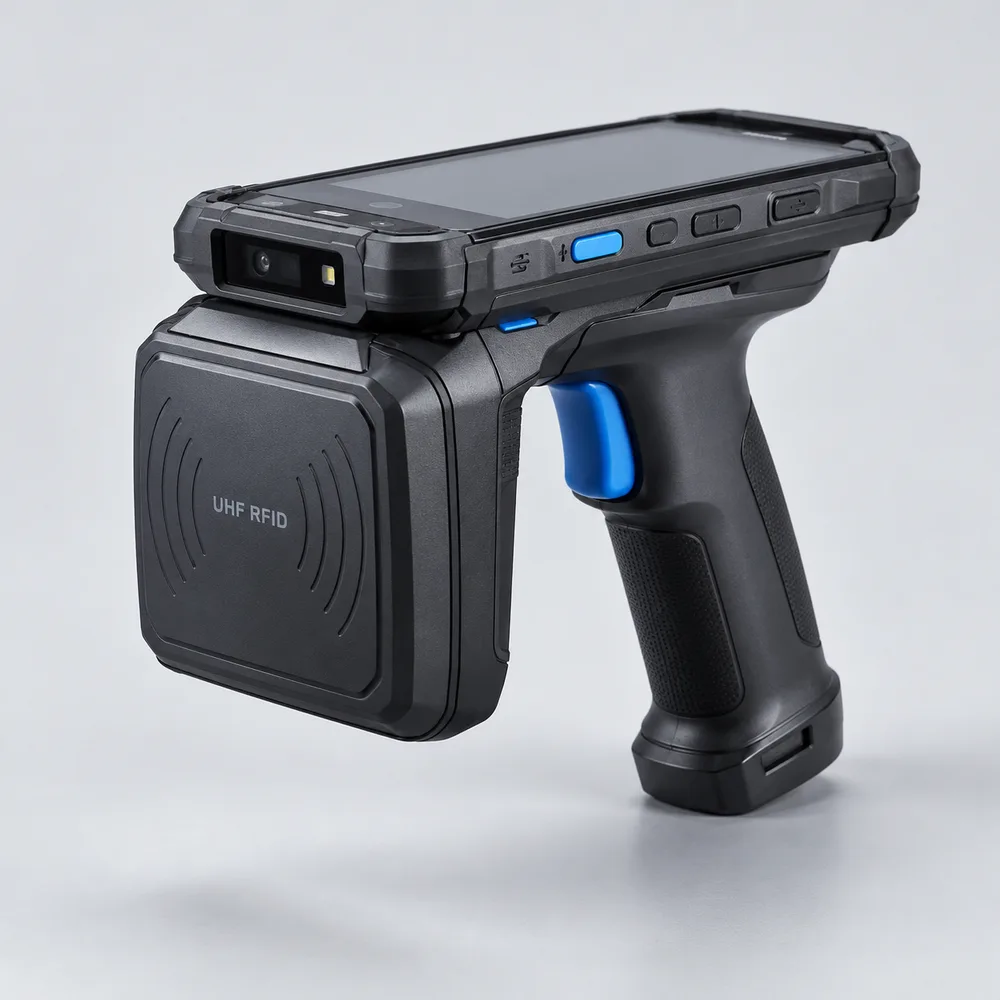
UHF Handheld Reader
Android handheld for fast stock counts and item search.
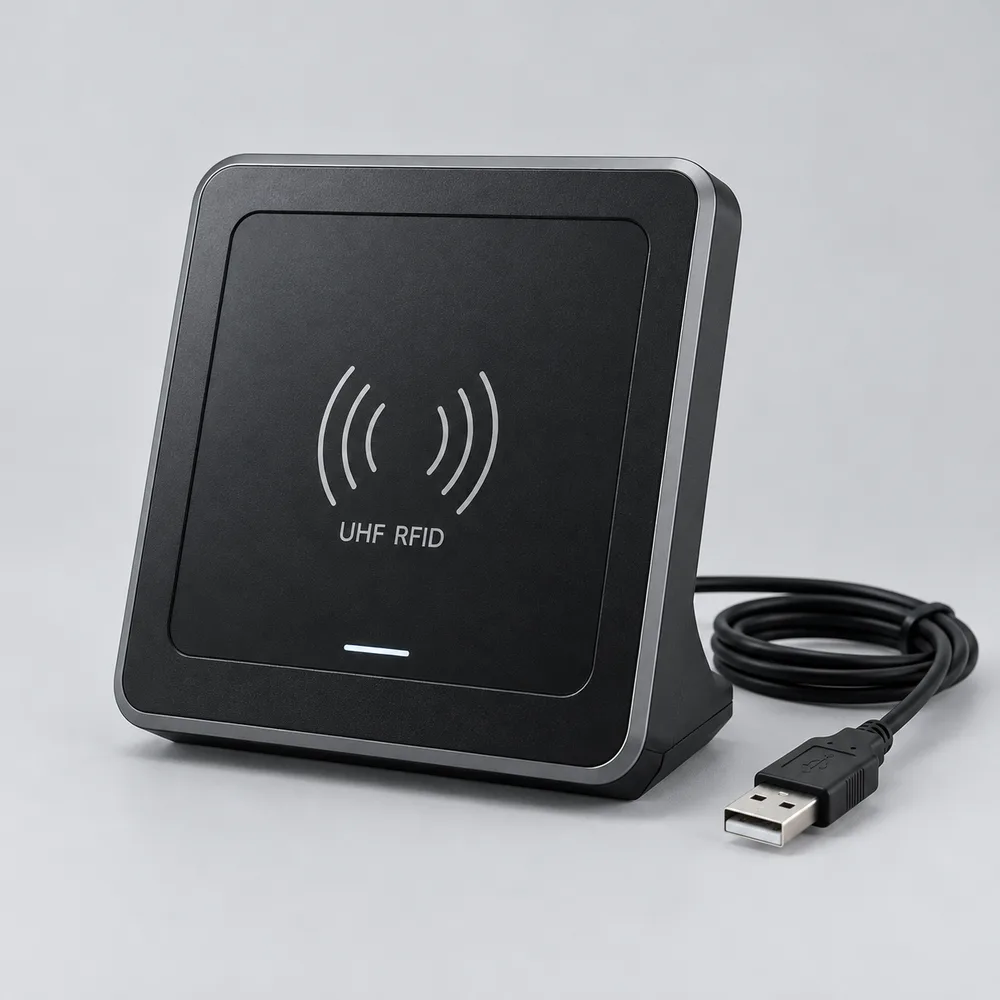
Desktop USB Reader
Plug and play for receiving and packing desks.
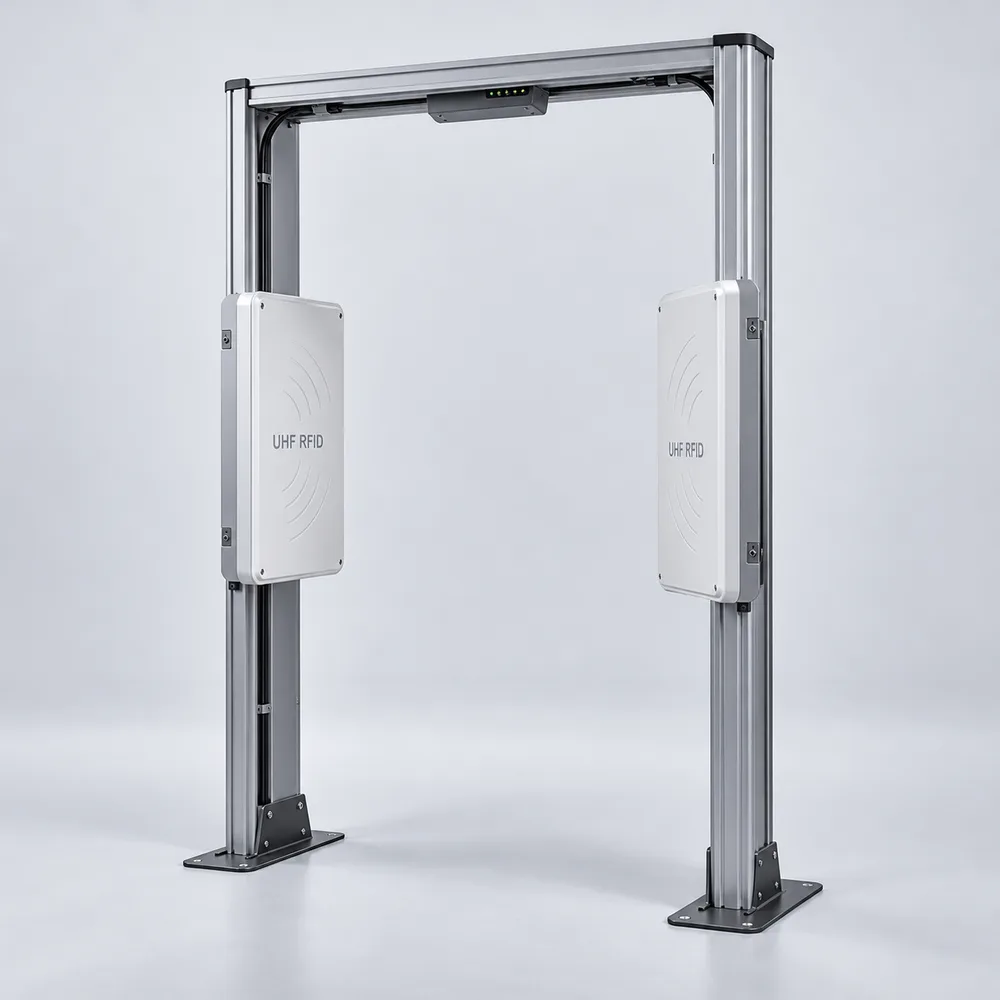
Fixed Reader (Portal)
Records tags read at doors and docks after the read zone is tested.
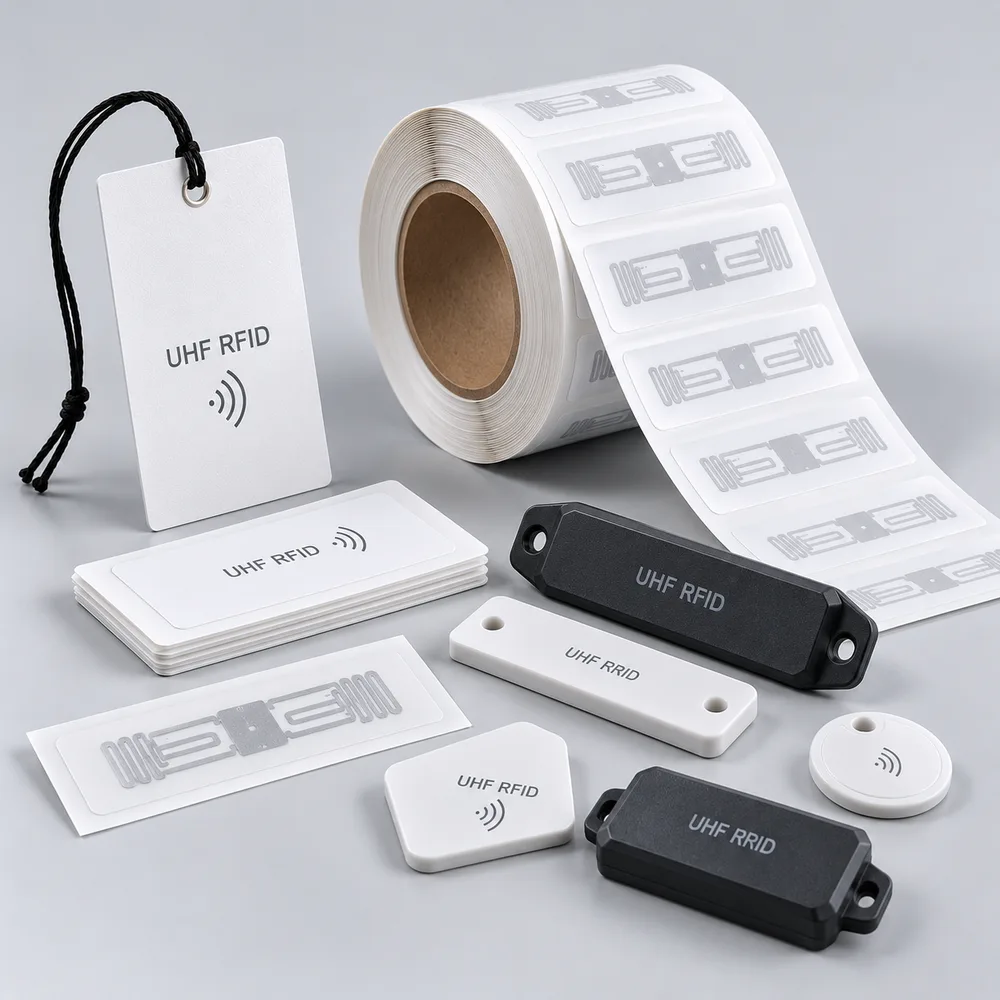
RFID Tags & Labels
Labels, hard tags, and on metal tags for every surface.
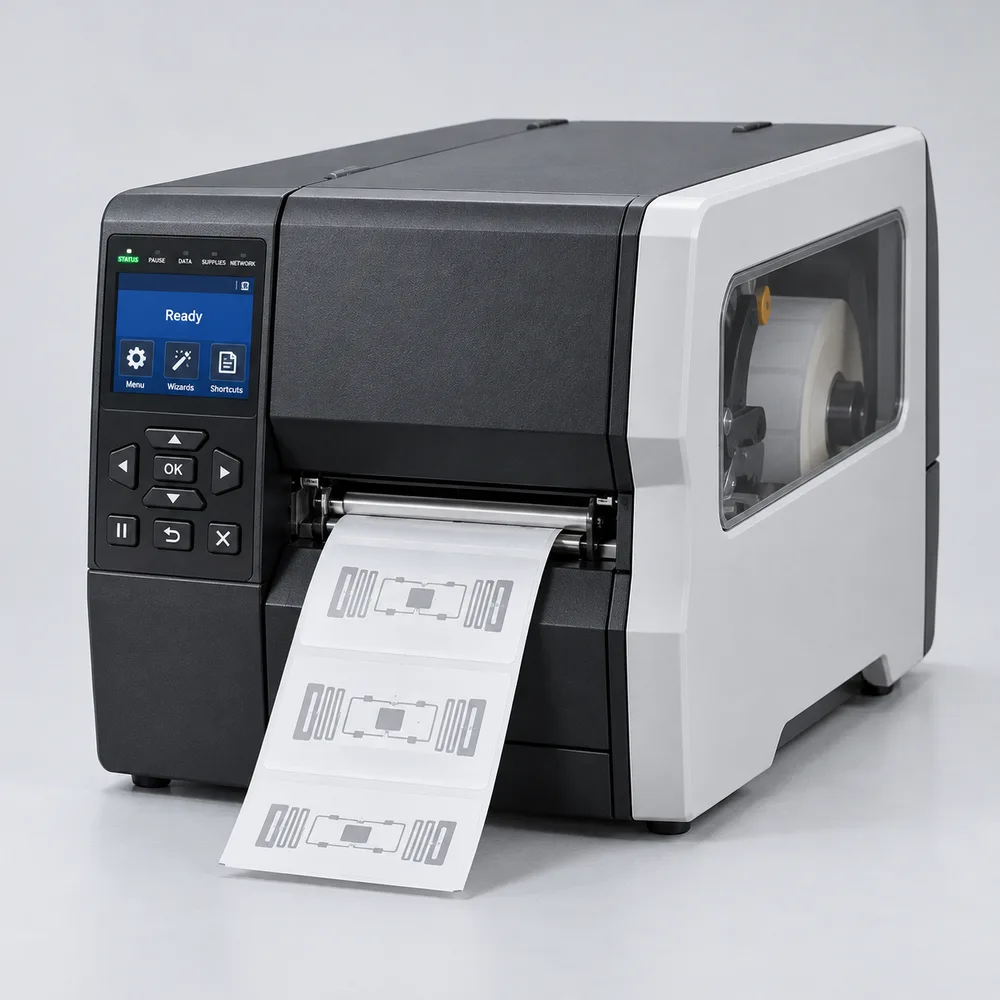
RFID Label Printer
Print and encode tags on site.
Start with the stock problem you want to solve.
Tell us about your goods, locations, and current workflow. In a consultation, we can discuss read points, pilot scope, how to measure results, and integrations to test.
Explore our RFID implementation service →What is the difference between UHF RFID and barcodes?
Barcodes must be visible when scanned. UHF RFID can read multiple tags in the reader's zone without seeing each label. Tags need to be encoded and mapped to item records to distinguish unit IDs; read range and results are tested on your items.
How much faster are stock counts with RFID?
Count time depends on item volume, layout, tag type, and reader placement. Pilot one area and compare its time and results with the manual process to measure the benefit at your site.
Can it connect to our ERP or accounting software?
Odoo has an integration path once data flows and approvals are agreed. For SAP, Accurate Online, other ERP or WMS platforms, and internal tools, we review API or file exchange options and define the integration scope per project.
Do RFID tags work on metal or liquids?
They can be considered with suitable tags and placement. Metal and liquids affect radio signals, so tag choice and read results need testing on your items and at your site.
How do we get started?
Tell us about the items, locations, and process you want to improve. In a free consultation, we discuss read points and integration needs, then define suitable tag testing and a pilot scope before rollout.
Thanks, we got your message
We will review your message and reply by email.